Try it in your pool for 30 days. Exchange it for another Dolphin for free, or return it with no restocking fee.
Your bag is empty.
By Feature
Robotic Pool Cleaners With Automatic Scheduling: Apps, Timers and Presets
Some robots let you choose the day and the hour, others repeat on a fixed interval, and one needs an add-on to schedule at all, so here is which is which.
Our shortlist focuses on Dolphin models available with authorized-dealer support. The buying criteria below also give you a useful framework for evaluating alternatives from any brand.
A robot that has to be remembered gets used less than one that starts itself. That is the whole argument for the best robotic pool cleaner with automatic scheduling, and it is a sound one: a pool cleaned three times a week on a schedule looks better than one cleaned whenever somebody thinks of it.
Scheduling is not one feature, though. A calendar scheduler lets you pick the days and the clock time, and it lives in an app. A preset timer repeats a cycle at a fixed interval and is set on the power supply. Which kind you need depends on whether the exact hour matters at your pool, and for many owners it does not.
$0 restockingNo-cost exchanges
Free shippingNationwide
Up to 3 yearsPremier & Sigma
30-day trialIn your own pool
Expert shortlist
Our Scheduling Picks, Ranked for Fit
Ranked for this job, with the reason each model earned its place and the point where it stops being the right choice.
Most Complete Scheduler: Pick the Day and the Hour
The Sigma has the most fully specified scheduler of the five Dolphins compared here: a weekly scheduler by day and time in the myDolphin Plus app, which connects over both Wi-Fi and Bluetooth. Run it at 3 a.m. on Mondays, Wednesdays and Saturdays, skip the day the service tech doses the pool, and change the plan from indoors. The app sends a filter alert, so a scheduled robot does not carry on unnoticed with a full filter. Behind the schedule are three ProLine motors, quad scrubbing brushes and a 2.5-hour cycle for pools up to 50 ft.
Best for
Owners who want to choose exact days and times, pools on a weekly service route, and anyone happy to manage things from a phone.
Keep in mind
It is the highest-priced pick, and the scheduler lives in the app. A household that will not use a phone for this should look at the next pick.
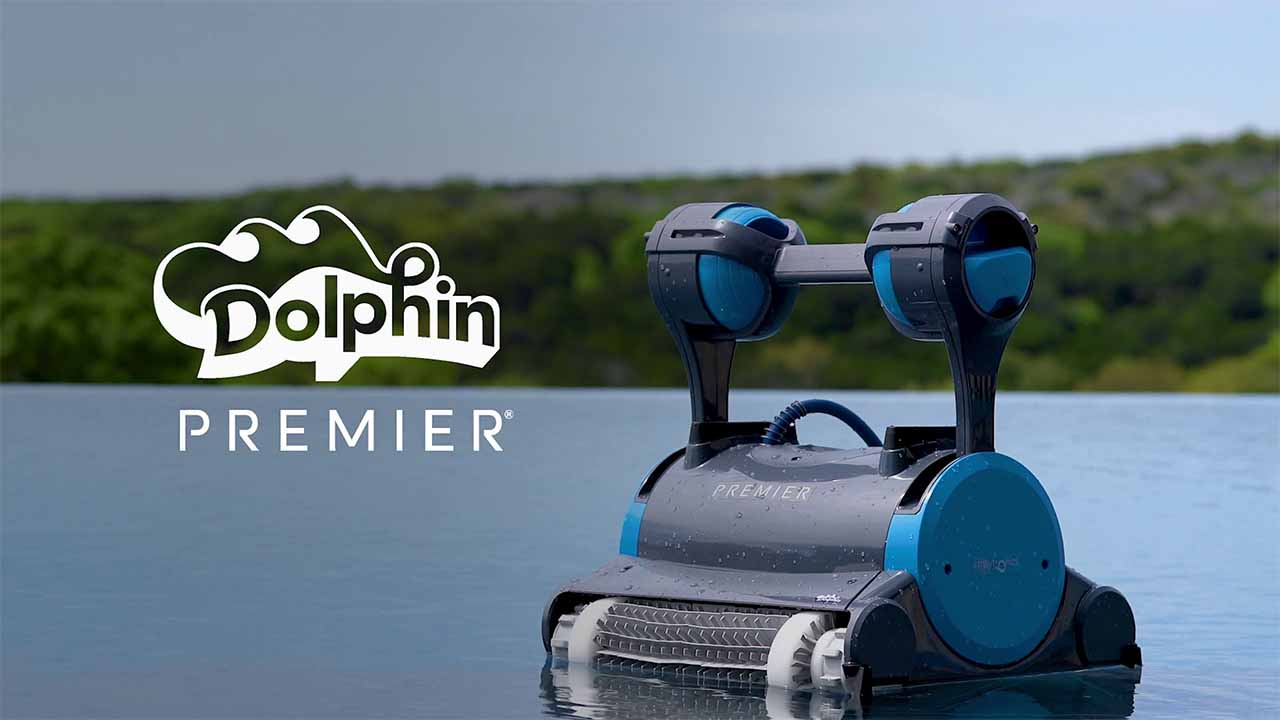
The Premier's scheduling is the simple kind, and for many pools it is the right kind. A weekly timer on the power supply repeats the cycle every day, every 2 days or every 3 days, with nothing to pair and nothing that breaks when the router is replaced. It ranks second because a schedule is only as good as the robot's ability to keep going between visits: the oversized leaf bag and top-load Multi-Media filters hold a lot, a full-filter indicator on the power supply says when to empty them, and the 3-year warranty is not limited by cycle count.
Best for
Owners who want regular cleaning with nothing to install, pools with leaves, and equipment pads the home network does not reach.
Keep in mind
You choose the interval, not the weekday or the hour. If the exact start time matters at your pool, the Sigma or the Quantum is the better fit.
The Quantum is the only pick here with both kinds of scheduling. Like the second pick it has a three-preset timer on the power supply: every day, every 2 days or every 3 days. It also schedules through the myDolphin Plus app over Wi-Fi, and if the Wi-Fi drops the timer carries on. Its 2-hour cycle is the shortest of the 50 ft robots in this guide. It sits third because the warranty is 2 years, and because the Sigma's scheduler is specified by day and time while the Premier brings the deeper filtration set.
Best for
Owners who want a timer that works by itself, plus an app for the weeks they want more control.
Keep in mind
A 2-year warranty against 3 on the two picks above it. The app connects over Wi-Fi, so check the signal where the power supply will sit.
The Cayman's scheduling is the plainest of the four: its timer has one setting, and that setting is every day. For a smaller pool that collects debris constantly, under a tree or beside a lawn, a daily 2-hour cycle is the schedule you would have chosen anyway. It is set on the power supply and needs no phone. It is also the only pick here rated for both in-ground and above-ground pools, up to 33 ft, and the lightest of the four at 14.6 lb. It ranks last because neither the interval nor the hour can be changed.
Best for
Pools up to 33 ft, in-ground or above-ground, where a cycle every day is the schedule you want.
Keep in mind
One setting only: daily. The waterline is not on its cleaning list, and it is not sized for pools over 33 ft.
How we ranked them: We matched filtration, brush system, coverage, debris capacity, automation, and warranty to this page's buying need. Pool fit carries more weight than the longest feature list.
Buying criteria
How to Judge a Robot's Scheduling
01
Calendar or Interval
A calendar scheduler picks weekdays and a start time. An interval timer repeats every day, every second day or every third day. If you only care that the pool is cleaned regularly, an interval is enough. If the hour matters, you need the calendar.
02
When the Exact Hour Matters
Three situations call for clock control: running overnight so the pool is ready by morning, keeping the robot out of the water on the day the pool service adds chemicals, and running while the circulation pump is off so debris has settled on the floor.
03
Phone or No Phone
App scheduling needs a working connection at the power supply and somebody in the house willing to use the app. A timer on the power supply needs neither. The Premier, Quantum and Cayman timers work with no phone and no Wi-Fi.
04
What Happens Between Cycles
A scheduled robot waits in the water, and its filter keeps filling while nobody is looking. A full-filter indicator or an app alert tells you when to empty it, and a larger filter stretches the time between visits.
Side-by-side
Scheduling Picks, Spec by Spec
Only the models recommended on this page, and only the specs that decide this choice.
The table lines up what each robot's scheduling does and where you set it. Two details are easy to miss. First, the timers on the power supply are independent of any app: they keep repeating whether or not a phone is nearby. Second, a calendar and an interval behave differently over a month. An interval of every 2 days lands on different weekdays each week, which is fine for cleaning but awkward if you are trying to avoid the day your service company visits. A day-and-time scheduler stays put.
Robot
How it schedules
Where you set it
Phone needed
Dolphin Sigma
Weekly scheduler by day and time
myDolphin Plus app
Yes
Dolphin Premier
Repeats every day, every 2 days or every 3 days
Power supply
No
Dolphin Quantum
The same three presets, plus app scheduling
Power supply or myDolphin Plus app
Only for the app
Dolphin Cayman
Every day
Power supply
No
Dolphin Escape
None as standard; optional Automation Timer (every 24, 48 or 72 hours)
Optional power supply
No
Three Times the Exact Hour Matters
Most pools do not care when the robot runs. These three do.
Overnight runs. A cycle that starts after the last swim and ends before breakfast is finished before anyone is up. With an app scheduler you enter the hour; with a preset timer, check the manual for how the start time is set.
The service visit. A robot should come out before shock or other chemicals go in. If your tech doses on Thursdays, a day-and-time scheduler lets you leave Thursday blank.
Pump-off hours. With circulation stopped, fine debris settles on the floor where the robot can reach it, so a cycle scheduled for those hours has more to collect.
Living With a Scheduled Robot
A robot on a timer or an app schedule is made to stay in the water between cycles, and that is the convenience you are paying for. It is not permission to forget it. Lift the robot out at least once a week to empty and rinse the filter, more often in leaf season. Take it out before shocking or adding chemicals, and when the pool will sit unused for a long stretch, store it out of the water and out of direct sun. No schedule replaces sanitizer, skimming or a weekly look at the pool with your own eyes.
Setting Up a Schedule That Sticks
Begin with a cycle every second day, or three days a week on a calendar. Move to daily only if debris is still on the floor when the next cycle begins.
For app scheduling, test the Wi-Fi signal where the power supply will sit before the robot arrives. A weak signal at the equipment pad is a common cause of missed schedules.
Leave the power supply plugged in and powered. A timer cannot start a robot whose outlet is switched off at the wall.
Buy with confidence
Protection beyond the product.
Buying through an authorized dealer gives you a clear warranty and support path. When purchased here, every featured cleaner also includes free shipping, a 30-day in-pool trial, and $0 restocking on returns.
Do I need Wi-Fi for a robotic pool cleaner with automatic scheduling?
No. The Premier, Quantum and Cayman have timers set on the power supply that need no phone and no Wi-Fi. Wi-Fi comes into it only for app scheduling: the Quantum's app connects over Wi-Fi, and the Sigma's over Wi-Fi and Bluetooth.
Can the Dolphin Premier be scheduled for specific days of the week?
Not by weekday. Its timer repeats every day, every 2 days or every 3 days, so you choose how often and the days follow from that. For named days and a set start time, choose the Sigma, whose weekly scheduler works by day and time, or the Quantum with its app.
Does the Dolphin Escape have any scheduling?
Not as standard. Out of the box you start each cycle yourself. An optional Automation Timer power supply adds repeating cycles every 24, 48 or 72 hours. If scheduling is a priority and the pool is 33 ft or under, the fourth pick here includes a daily timer.
How often should I schedule the robot to run?
For most residential pools, every second day or three times a week is usually enough. Go daily under trees, in pollen season or after heavy use, and drop back when the pool is covered or little used. Let what you see on the floor just before a cycle guide the setting.
By Feature
Keep Exploring
Compare another buying need or open the complete guide library.
Decide whether the hour matters. If it does, buy the Sigma for its day-and-time scheduler, or the Quantum for app scheduling at a lower price position. If it does not, and you want cleaning on a rhythm with no phone involved, see the Dolphin Premier and its three presets. For a pool of 33 ft or less that needs cleaning daily, the Cayman's one setting is the right one.