Bluetooth and Wi-Fi: Who Does What
The two radios are not rivals. They do different jobs, and the question is which job you have. Bluetooth is a direct, short-range link between your phone and the power supply. It is good for setting the robot up and for control while you are at the pool. Wi-Fi connects the power supply to your home network and, through it, to your phone wherever you are. The table sorts everyday tasks by the link that handles them. The Sigma lists both radios, and the Quantum lists Wi-Fi.
Check Your Signal Before You Choose
The choice between the two picks often comes down to a two-minute test. Take your phone to the place where the power supply will sit, usually near an outlet by the equipment pad and set back from the water by the distance the manual gives. Turn off cellular data and load a web page over the home Wi-Fi.
If the page loads quickly, Wi-Fi control will work there and either pick gives you app control. If it stalls or the phone drops the network, you have three options: add an extender or an outdoor access point, choose the Sigma and use Bluetooth at the pool, or decide that a timer on the power supply is all you need. Check the app's network requirements in the manual as well, since not every home network is set up the same way.
When You Do Not Need Bluetooth at All
Ask what the phone would be for. If the answer is choosing exact days and times, seeing alerts, or starting a cycle before guests arrive, you want an app, and the picks above are the two ways to get one. If the answer is simply that the pool should be cleaned regularly without anyone remembering, a timer on the power supply does that with no radio involved.
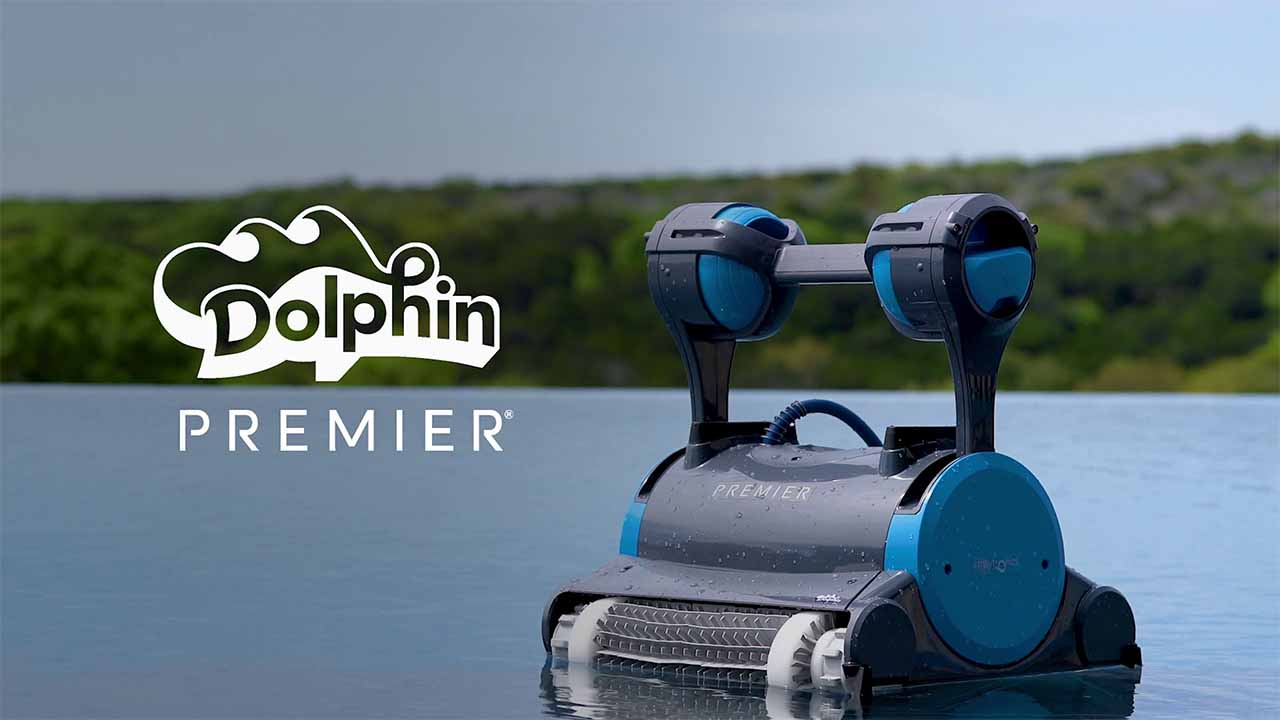
Three robots compared here have no wireless control: the Premier, the Cayman and the Escape. The Premier's timer repeats every day, every 2 days or every 3 days. The Cayman's runs every day. The Escape has no timer as standard, with an optional Automation Timer power supply. None of them will ever drop a connection, because there is none to drop. For some owners that is the appeal.
Getting the Most From a Bluetooth or Wi-Fi Robot
- Install the myDolphin Plus app before the robot arrives, so setup day is spent at the pool and not waiting on a download.
- Pair with the phone held next to the power supply. Bluetooth is a close-range link, and the first connection goes best at arm's length.
- Keep the power supply plugged in and powered between cycles. An app cannot reach a unit that is switched off at the outlet.
- Allow the app's notifications on your phone. A filter alert is only useful if it is permitted to appear.
- Run the first cycle by hand and see how full the filter gets before you build a schedule around it.