Black Friday SaleFree 1-3 Day FedEx Shipping
Buy
By Feature

Robotic Pool Cleaners with Remote Control: The Phone Is the Remote

None of these robots comes with a handheld remote, so remote control means an app. Here is what each app does, what it cannot do, and who needs one.

Practical buying guidance

A Clearer Way to Choose

Our shortlist focuses on Dolphin models available with authorized-dealer support. The buying criteria below also give you a useful framework for evaluating alternatives from any brand.

Let us settle the term first, because it prevents disappointment. A search for the best robotic pool cleaner with remote control usually pictures a handheld unit with arrow buttons. None of the robots we compare ships with one. On these Dolphins, remote control means a phone app.

That changes what to expect. The app is for starting and stopping a cycle without walking out to the pool, setting a schedule, choosing a cleaning mode and receiving alerts. It is not for driving the robot around like a toy car, and we will not describe either pick as joystick-steered. If manual spot-steering is the one thing you want, read the section on it below before you buy. If what you want is to run the pool cleaner from inside the house, two robots here do that well.

  • $0 restocking No-cost exchanges
  • Free shipping Nationwide
  • Up to 3 years Premier & Sigma
  • 30-day trial In your own pool
Expert shortlist

The Two App-Controlled Robots, Ranked

Ranked for this job, with the reason each model earned its place and the point where it stops being the right choice.

01 Most Advanced ProLine Dolphin Sigma robotic pool cleaner

Our #1 match

Dolphin Sigma

Most Complete Remote Control: Wi-Fi, Bluetooth, Siri

The Sigma gives you the most ways to reach the robot without touching it. The myDolphin Plus app connects over both Wi-Fi and Bluetooth, so you have the home network for everyday use and a direct short-range link beside the pool. Its weekly scheduler works by day and time, which is finer control than a timer that repeats every so many days: Monday and Thursday mornings, say, and nothing on the weekend when the pool is busy.

A filter alert arrives in the app, and Siri voice control is part of its feature list. Behind the app is the most hardware of the five Dolphins compared here: three commercial-grade ProLine motors, quad brushes, SmartNav 3.0 with a gyroscope, floor, walls and waterline cleaning, and a 3-year warranty.

Best for
Owners who want to schedule by day and time, get filter alerts and use voice control, in an in-ground pool up to 50 ft.
Keep in mind
Scheduling lives in the app, so this is a robot for people comfortable with a phone. Highest price of the five, and no manual steering.
$2349 $2999 Save $650

Free shipping · 30-day in-pool trial

02 Max‑Series Dolphin Quantum robotic pool cleaner

Our #2 match

Dolphin Quantum

App Control over Wi-Fi with a Timer as Backup

The Quantum uses the same myDolphin Plus app over Wi-Fi, with the functions that matter: start, stop, schedule, cleaning modes and alerts. What sets it apart for a cautious buyer is that it does not depend on the phone. It also has a weekly timer with three presets, every day, every 2 days or every 3 days, so the pool still gets cleaned when the router is down or the person who set up the app is away.

It is the lowest-priced 50 ft robot in this guide, and its published coverage is the widest: floor, walls, waterline, sun shelves, Baja ledges and stairs. The top-load XXL MaxBin basket opens with one click, which is the part of ownership no app can do for you.

Best for
Households that want phone control and also want the robot to keep to a simple timer when nobody opens the app.
Keep in mind
Listed with Wi-Fi only, so do not count on a Bluetooth fallback. No voice control is listed, there is no manual steering, and the warranty is 2 years.
$1599 $1799 Save $200

Free shipping · 30-day in-pool trial

How we ranked them: We matched filtration, brush system, coverage, debris capacity, automation, and warranty to this page's buying need. Pool fit carries more weight than the longest feature list.

Buying criteria

What to Check Before Paying for App Control

What the App Can Command

Look at the verbs. Start and stop, schedule, cleaning mode and alerts are the functions that get used week after week. Voice control is a convenience on top. Manual steering is not offered on either Dolphin here, so do not buy one expecting it.

Signal Where the Robot Lives

Wi-Fi control is only as good as your network at the pool. Stand where the power supply will sit and look at your phone. If the signal is weak there, app commands will be slow or fail, and you should plan for a closer spot or a network extender before the robot arrives.

Wi-Fi and Bluetooth

Wi-Fi runs through your home network. Bluetooth is a short-range link straight from the phone, useful when you are standing nearby or the network is down. The Sigma is listed with both. The Quantum is listed with Wi-Fi, so treat it as a Wi-Fi robot.

A Fallback That Needs No Phone

Phones get replaced, passwords get forgotten and routers fail. A robot that can also run from a timer on its power supply keeps cleaning through all of that. If more than one person looks after the pool, this matters more than any app feature.

Whether You Need a Remote at All

Many owners simply want a clean pool without thinking about it, and a timer delivers that with no phone involved. Pay for an app if you will change schedules often, want alerts sent to you, or cannot easily get to the power supply.

Side-by-side

Control and Scheduling Compared

Only the models recommended on this page, and only the specs that decide this choice.

Control and Scheduling Compared
Spec 1Sigma 2Quantum
Price today $2349 $1599
Cleans Floor, walls and waterline Floor, walls, waterline, sun shelves and stairs
Scheduling Weekly scheduler by day and time Weekly timer: every day, every 2 days or every 3 days
App myDolphin Plus (Wi-Fi and Bluetooth) myDolphin Plus (Wi-Fi)
Filtration NanoFilters and standard filter cartridges XXL MaxBin basket with standard and NanoFilter panels
Brushes Quad scrubbing brushes Dual HyperBrush
Navigation SmartNav 3.0 with gyroscope SmartNav 2.0
Cable 55 ft with 360° anti-tangle swivel 55 ft with anti-tangle swivel
Warranty 3 years 2 years

Manual Steering: How Often Would You Use It

The feature people picture when they say remote control is driving the robot to a spot. The Dolphins in this guide do not offer it, so it is worth being honest about how much it gets used on robots that do: mostly for spot-cleaning one area, such as a drift of leaves in a corner after a storm or sand under the ladder.

For the weekly clean, a robot working its own pattern covers a pool more evenly than a person steering from the deck through surface glare. If one spot keeps getting missed, the cure is usually setup, not steering: move the power supply, free a twisted cable, empty the filter or run a second cycle. And for a single patch of debris, a leaf rake or a brush is quicker than unlocking a phone.

If You Would Rather Not Use an App

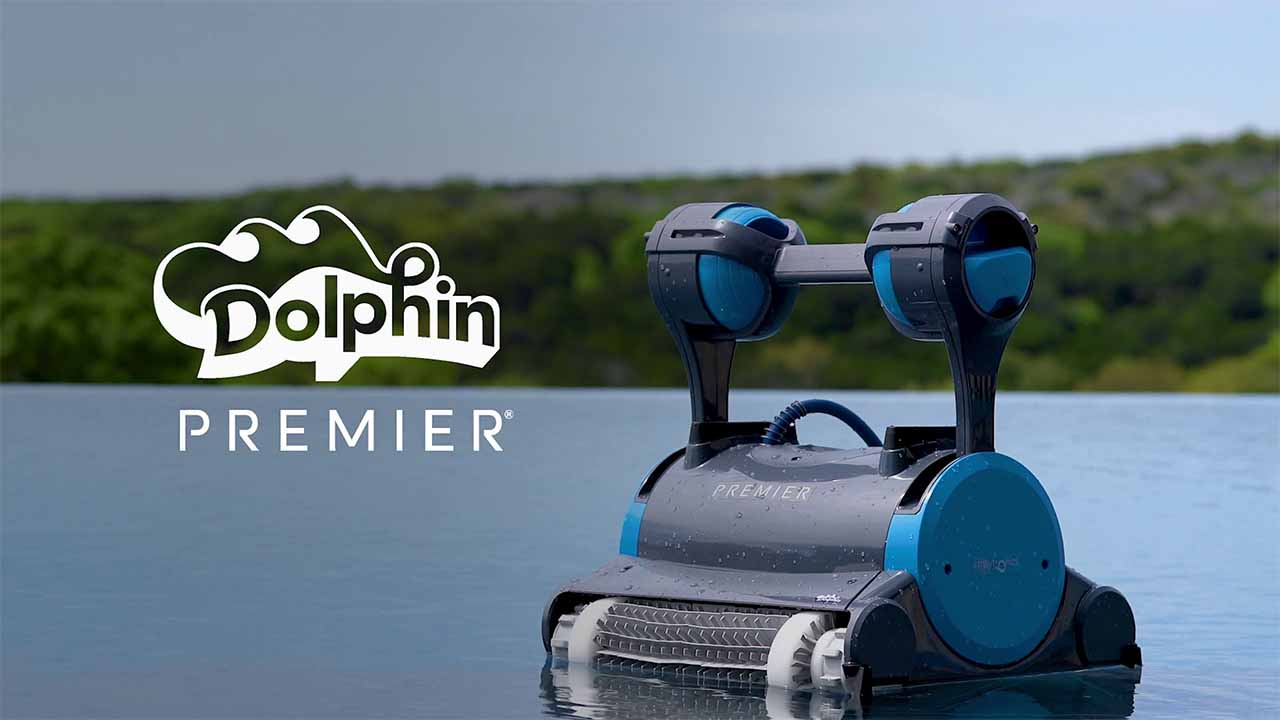
Three of the five Dolphins compared here are run from their power supplies, with no wireless link: the Premier, the Cayman and the Escape. That is not a step down in cleaning, only in how you give orders.

The Premier's weekly timer offers every day, every 2 days or every 3 days. The Cayman's timer has a single setting and runs daily. The Escape has no timer as standard; an optional Automation Timer power supply adds one. For a pool that needs the same routine week after week, a timer is automation without a login, a password or a router, and anyone in the household can see how it is set by looking at the power supply.

What Remote Control Does Not Change

An app starts the robot. It does not empty the filter, lift the robot out before you shock the pool, or straighten a cable. Whichever robot you choose, plan to take it out and rinse the filter every week, oftener when leaves are falling. Alerts help with the timing: the Sigma sends a filter alert to your phone, and the Quantum reports alerts in the app. Treat the app as a better switch and a better calendar, not as a replacement for ten minutes of care a week.

Before You Rely on the App

  1. Check your phone's Wi-Fi signal at the exact spot where the power supply will sit. If web pages crawl there, fix the network first.
  2. Complete the app's pairing steps before the first scheduled cycle, then send one start and one stop command to confirm the link works.
  3. Schedule cycles for hours when nobody swims, and leave the robot in the pool between scheduled cycles so it is in place when the schedule fires.
  4. Turn on notifications for the app. An alert nobody sees is the same as no alert.
  5. Keep the outlet live. A schedule cannot start a robot whose power supply has been switched off at a wall switch or a breaker.
Buy with confidence

Protection beyond the product.

Buying through an authorized dealer gives you a clear warranty and support path. When purchased here, every featured cleaner also includes free shipping, a 30-day in-pool trial, and $0 restocking on returns.

  • Full 3-year warranty on Premier and Sigma
  • Authorized support and genuine replacement parts
  • 30 days to test the cleaner in your own pool
Dolphin robotic pool cleaner supported by an authorized dealer
Frequently asked

Remote Control Questions

Does any Dolphin robot come with a handheld remote?

None of the five Dolphins compared in this guide includes one. The Sigma and the Quantum are controlled from the myDolphin Plus app on a phone. The other three are run from the controls on the power supply, with no wireless link at all.

Can I steer the robot from my phone?

Not with these robots. The app sends commands such as start, stop, schedule and mode; it does not offer joystick driving. On robots that have it, manual steering is used mostly to spot-clean one area, and a second automatic cycle or a quick pass with a brush handles that job here.

Is a robotic pool cleaner with remote control worth more than a timer model?

It is if you will use it: moving the schedule around parties and storms, getting a filter alert, starting an extra cycle from indoors. If your routine never changes, a timer on the power supply does the same weekly job with nothing to pair. Compare the live prices on the cards, then be honest about how often you would open the app.

Will the app work if my Wi-Fi does not reach the pool?

Wi-Fi control needs a usable signal where the robot's power supply sits. The Sigma also connects over Bluetooth, which works at short range without the network. The Quantum is listed with Wi-Fi, and its three-preset timer keeps it cleaning on schedule with no connection at all.

Can I use voice commands with a pool robot?

On the Sigma, yes: Siri voice control is on its feature list. We do not list voice control for the Quantum, so treat that one as an app-and-timer robot. Voice is a pleasant extra when your hands are wet or full; the schedule still does the regular work.

The verdict

The Short Version

Remote control on these robots means an app, and two of them have one. Day-and-time scheduling, Bluetooth as well as Wi-Fi, filter alerts and Siri: Sigma. Phone control at a lower price, with a timer that works when the phone does not: Quantum. A pool cleaned automatically by a robot you never plan to pair with anything: the Premier's timer is the simpler answer. Not sure which describes you? Ask a pool expert.